Firestore Setup
This section describes how to set up a Firestore database.
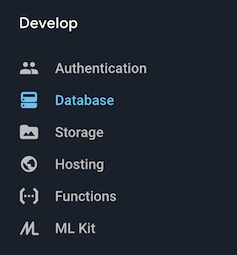
- From the Develop Menu, select Database
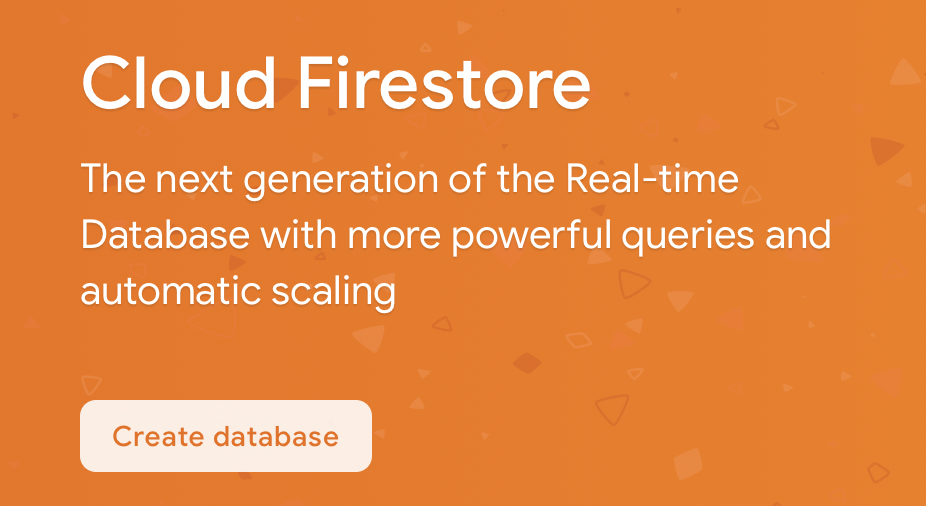
- Create a new Cloud Firestore database
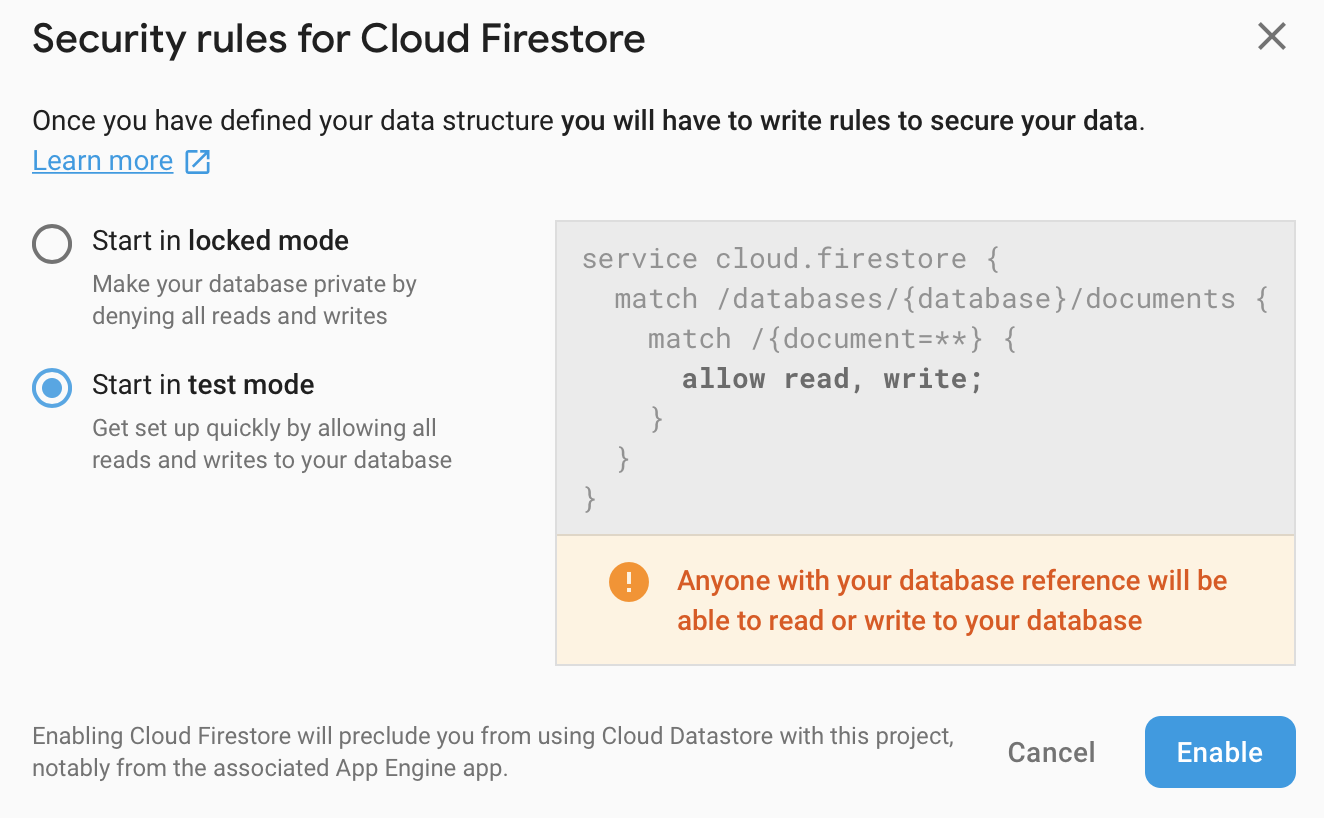
- As we are still in “Development”, select Start in test mode for the Security rules
- Click Add Collection

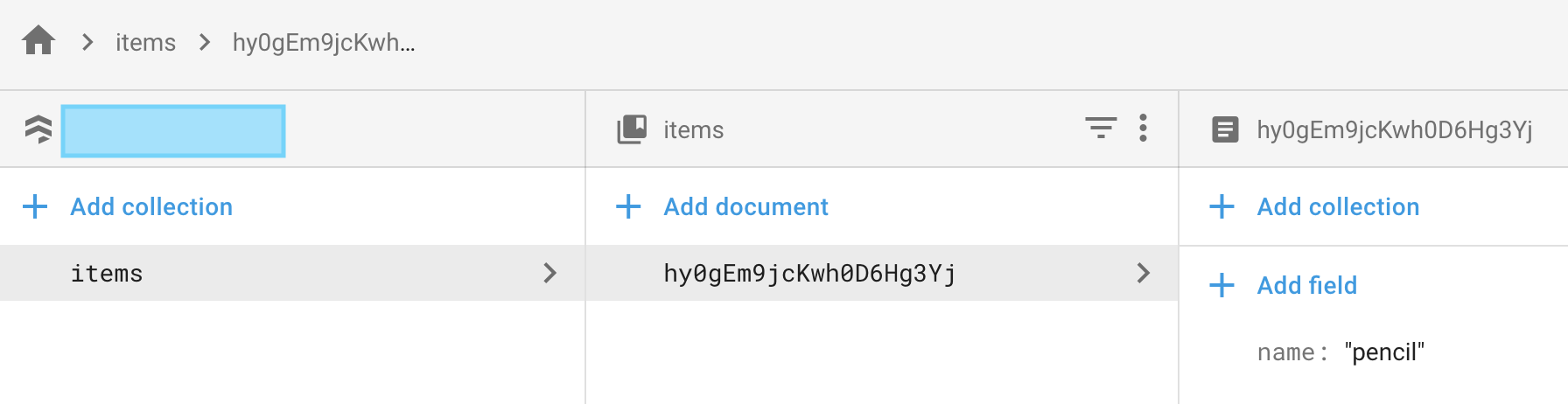
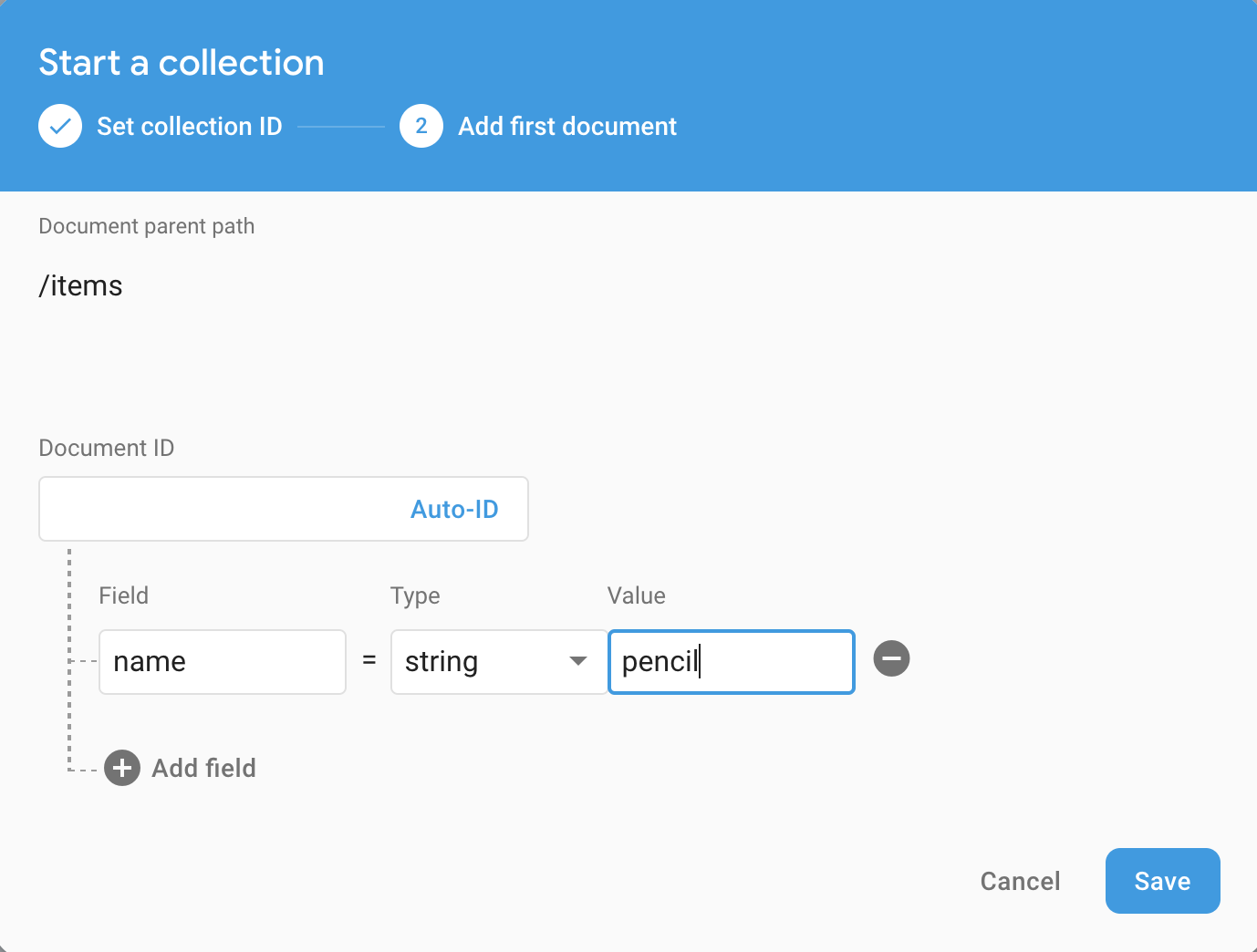
- For the Collection ID, enter items and click Next

- Add a document by entering name in Field and pencil in Value
- Your Firestore page should now look like this -