Testing - Connecting the Dots
1. Viewing Firebase data
- If all goes well, you should see the following:
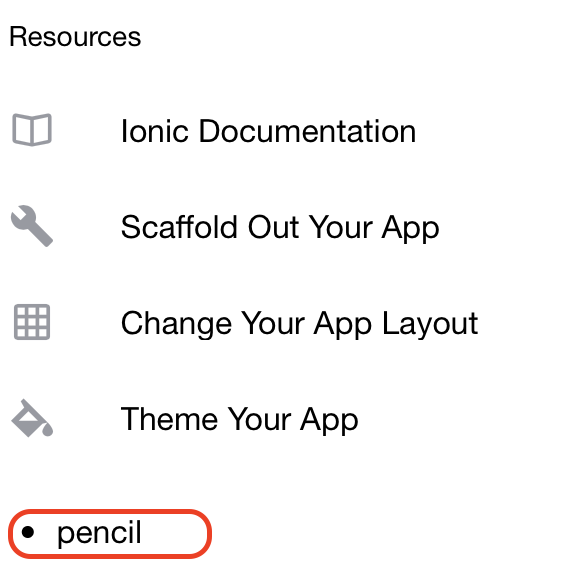
Milestone: This is a major one! You can see Firestore data in your Ionic Application.
2. Changing Firestore data
- Now, with your Ionic app still running, update the value of pencil in Firestore to eraser
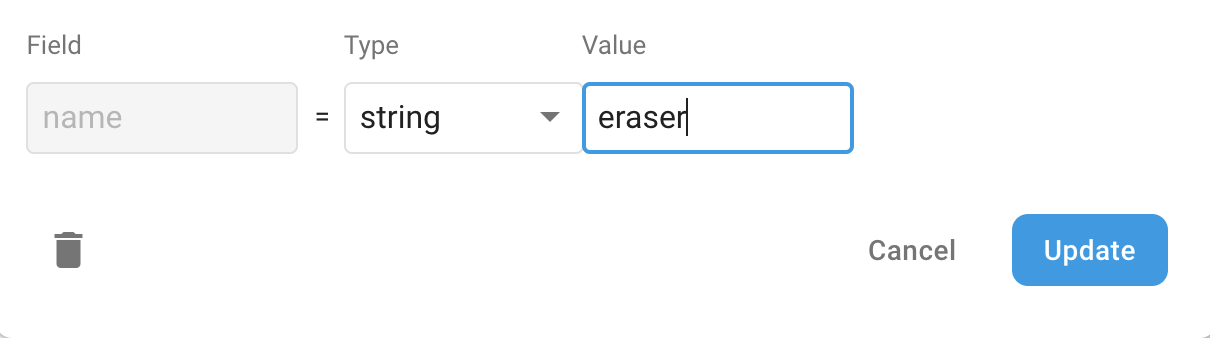
- If you switch back to your browser, you will see that the page has updated - and without a refresh!
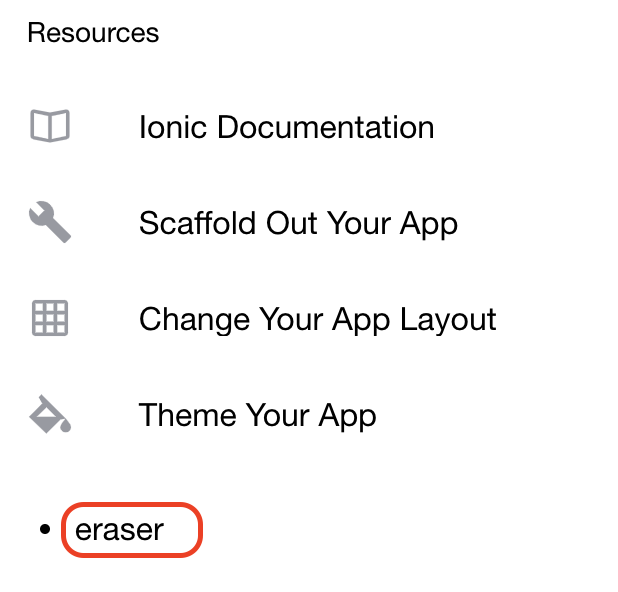
Milestone: Firestore updates ripple through to Ionic
3. Changing Ionic data
- Update src/app/home/home.page.html
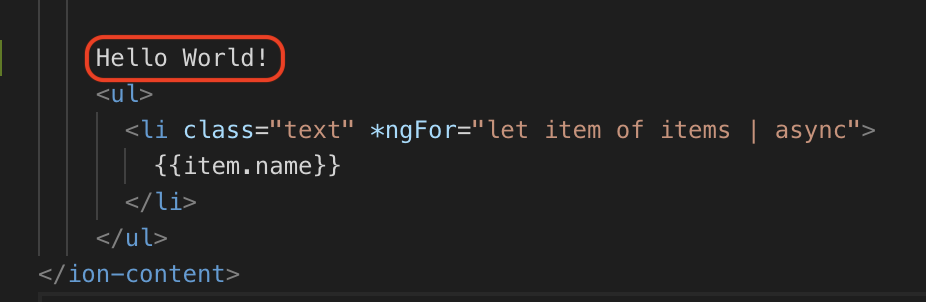
- If you switch back to your browser, you will see that the page has updated - and without a refresh!
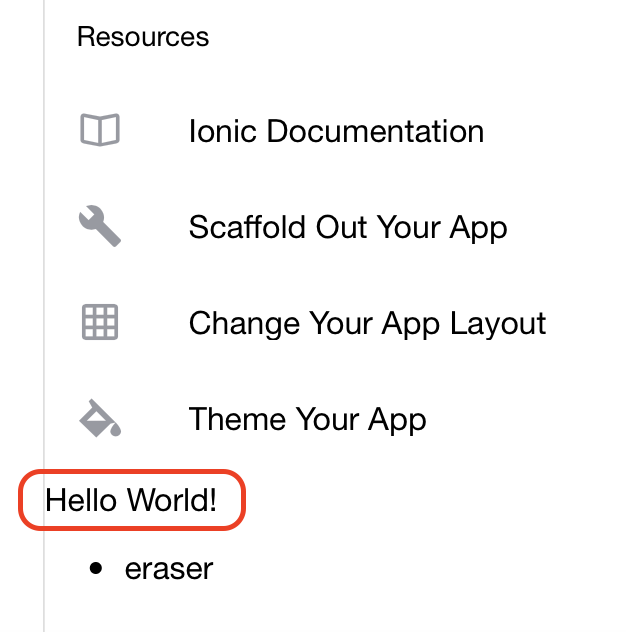
- This is incredible as it means you don’t have to restart your Application if you make any code/data changes
Milestone: Congratulations! You’ve come a long way. Take a bow.