Ionic Setup and Testing
This section details how to set up Ionic, create a new project and test it.
Setup
- Install npm
- Install ionic package
npm install -g ionic - Create your Ionic project
ionic start <project> <format> --type=angular
- Example:
ionic start myApp sidemenu
ionic start myApp tabs
ionic start firebase-ionic-simple sidemenu --type=angular - Fire up your ionic project -
cd firebase-ionic-simple
ionic serve
- Wait until you see -
...
[ng] ℹ 「wdm」: Compiled successfully.
Testing
One of the most rewarding aspects is to actually see something tangible. Fortunately, with Ionic, you’re now at a point where you can actually view something and also get a feel for the App you’re trying to build.
Browser
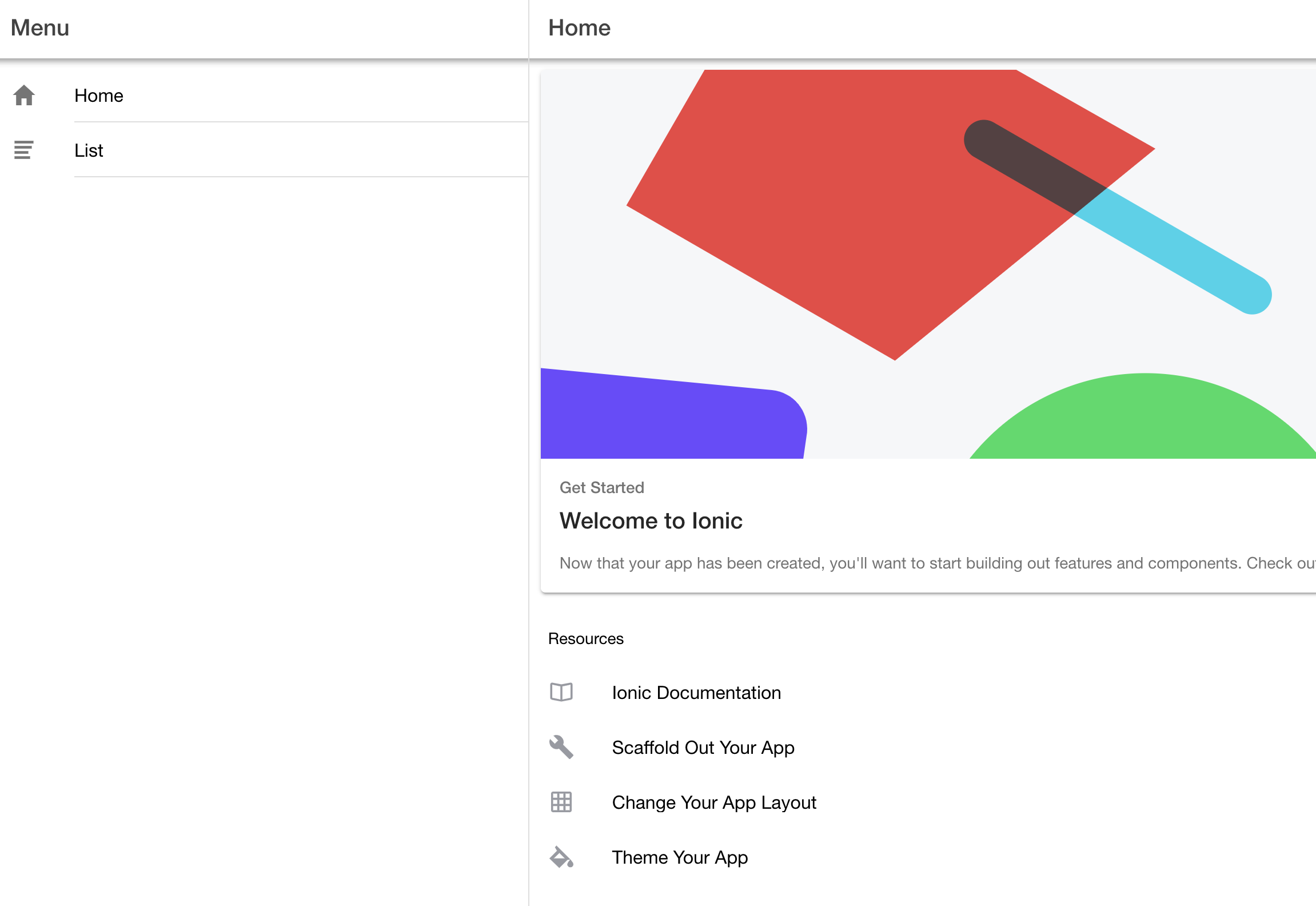
- As part of the Ionic start, a browser window should have opened - but in case it didn’t, navigate to the following URL:
http://localhost:8100
Machine/Device on your local network
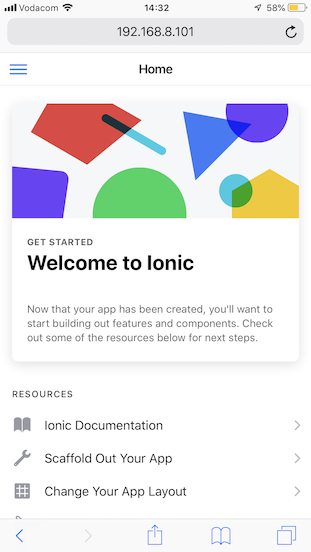
- If you want to see how it renders from another machine or your mobile device, make sure that device and the computer where you started Ionic is on the same network. Find the IP address of that machine (x.x.x.x) and navigate to:
http://<x.x.x.x>:8100
Ionic Devapp
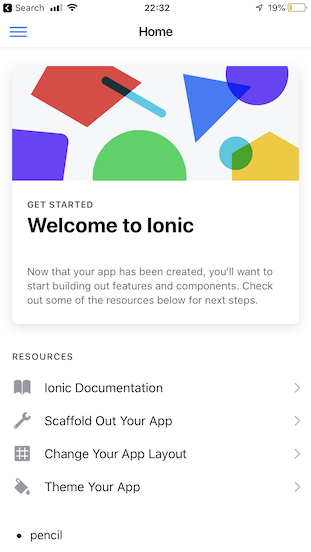
- You can also use the Ionic DevApp to test your application on your mobile device.
- As you will notice from the image below, there is no browser address bar. This is how you “App” will render or present itself on a mobile device.
Milestone: Ionic App running!
Get your code into Git
- Get into the practice of checking your code into version control.
- To see a list of files which have changed, run
git status - To add files in, run the following:
git add . - To commit the files to your “local” version control -
git commit -m 'Ionic' - To push the files to your git repo (which we cloned from at the beginning), run:
git pushMilestone: Your source code is in version control!